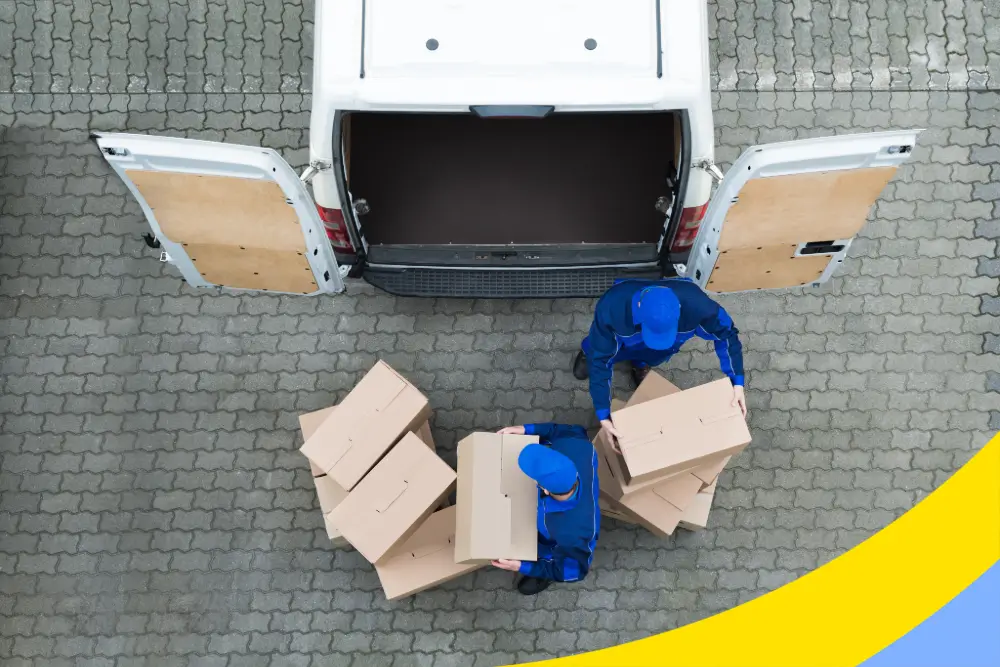
Any business that runs deliveries or field service lives and dies by how well it gets the right person to the right place at the right time. That coordination is the job of dispatch management software, and getting it right has never mattered more. The last mile is now the single most expensive leg of the supply chain: it accounts for roughly 53% of total shipping costs, up from 41% in 2018, and the U.S. last-mile market reached about $201 billion in 2025. When the costliest part of fulfillment is also the part customers judge you on, manual dispatching with spreadsheets and phone calls quietly bleeds money.
This guide explains what dispatch management software is, how it works, the features that actually move the needle, how to choose a platform, and the pitfalls to plan around, so you can decide whether it belongs in your operation.
What Is Dispatch Management Software?

Dispatch management software is a platform that automates the assignment of jobs, the scheduling and sequencing of routes, and the tracking of deliveries or service calls from a single dashboard. It coordinates same-day on-demand drops, dedicated fleet runs, and scheduled deliveries alike, and it is used across logistics, courier, field service, grocery, meal-kit, and emergency-response operations.
Dispatch sits inside the larger world of fleet and delivery management software, alongside vehicle tracking, maintenance, and route optimization. The distinction is simple: dispatch is the act of deciding who does what and when, and then releasing that plan to drivers; the software is what makes those decisions fast, data-driven, and visible to everyone who needs to see them.
If your business relies on getting goods or technicians to a doorstep on a schedule, dispatch software likely applies to you. Courier and parcel companies use it to handle high daily volumes; grocery, meal-kit, and retail brands use it to power local same-day and next-day delivery; field service teams use it to route technicians efficiently between appointments. The common thread is coordination at scale, the moment a whiteboard or spreadsheet stops keeping up with the number of stops, drivers, and changes in a day.
Why Dispatch Management Software Matters

The economics of delivery are unforgiving, and dispatch software attacks them directly. Carriers are running tighter than ever: the American Transportation Research Institute found that non-fuel operating costs hit a record $1.779 per mile in 2024, with empty (deadhead) miles averaging 16.7%. Every wasted mile and idle minute is margin walking out the door, and smarter dispatching is one of the few levers that reduces both at once. Here is where good software pays off:
- Faster, smarter assignment: Jobs are matched to the best-fit driver automatically based on location, availability, capacity, and priority, instead of being hand-allocated one call at a time.
- Lower mileage and fuel spend: Optimized sequencing trims distance and drive time, which directly attacks the deadhead-mile and fuel costs that dominate operating budgets.
- One source of truth: Customers, orders, drivers, and routes all live on one dashboard, so dispatchers stop juggling separate tools and reconciling conflicting information.
- Clearer communication: Updates flow between dispatchers, drivers, and customers in one place, improving accountability and cutting the back-and-forth that slows a delivery day down.
- Higher on-time rates and happier customers: Reliable ETAs and proactive notifications build the trust that turns one-time buyers into repeat ones. The upside is measurable on the sales side too: Shopify reports that shoppers who pick local delivery or pickup spend about 23% more and are 13% more likely to convert than those choosing standard shipping.
- Better decisions over time: Performance reports on deliveries, drivers, and costs surface where to improve and prove ROI to the people holding the budget.
Taken together, these gains compound. Fewer failed first attempts mean fewer costly redeliveries; tighter routes mean lower fuel and labor cost per stop; and clearer communication means fewer support calls and more repeat orders. For most delivery operations, dispatch software is less a single feature and more a multiplier on the efficiency of the whole team.
Key Features to Look For
Not every platform that calls itself dispatch software does the same things well. These are the capabilities worth insisting on:
- Automated scheduling: The system should assign and sequence jobs for you and let you adjust with simple drag-and-drop, so planning a day takes minutes rather than hours. Strong scheduling also supports scheduled deliveries with defined time windows set in advance.
- Route optimization: A plan with names and addresses is not enough. The software should build the most efficient path for each driver using distance, traffic, time windows, service times, and vehicle limits, and re-optimize on the fly when plans change.
- GPS and driver tracking: Live location and status give dispatchers real visibility into the field. Driver and vehicle GPS tracking improves accountability, safety, and the accuracy of every ETA you promise.
- Real-time customer tracking and notifications: Branded tracking pages and automated SMS or email updates keep customers informed. Real-time tracking and notifications are among the most direct ways to reduce inbound where-is-my-order calls.
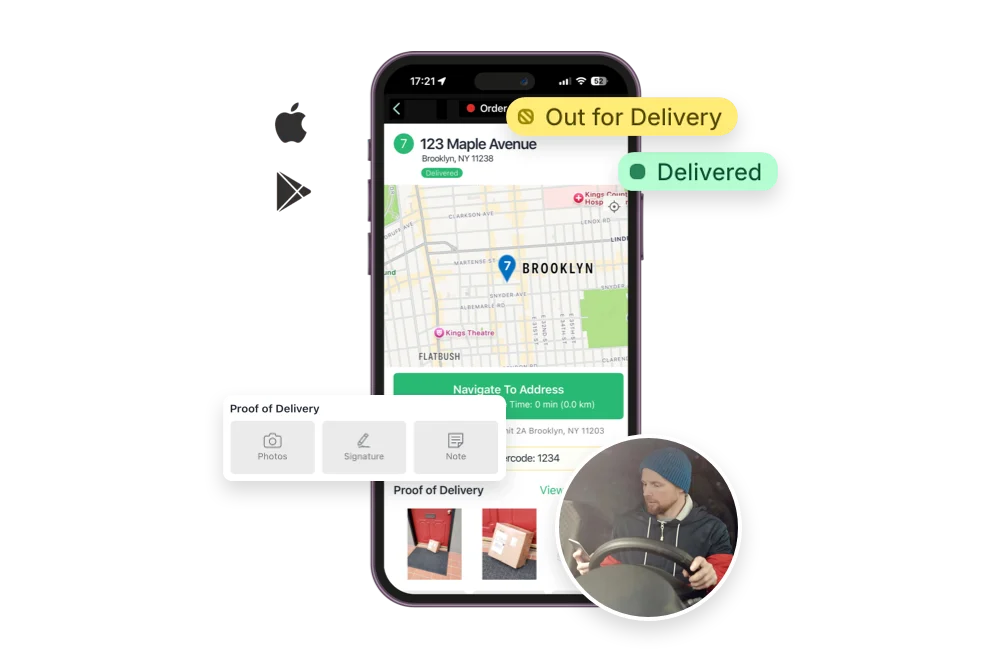
- Mobile access: Drivers need a phone app for turn-by-turn navigation, status updates, and proof of delivery; dispatchers benefit from monitoring progress on the go. Mobile access replaces paperwork and enables true two-way communication.
- Up-to-date maps: Accurate, current map data underpins every routing and tracking decision, so addresses resolve correctly and recent changes are reflected.
- Analytics and reporting: Daily-to-yearly reporting on cost, performance, and driver activity turns operational data into decisions.
How Dispatch Software Works, Step by Step
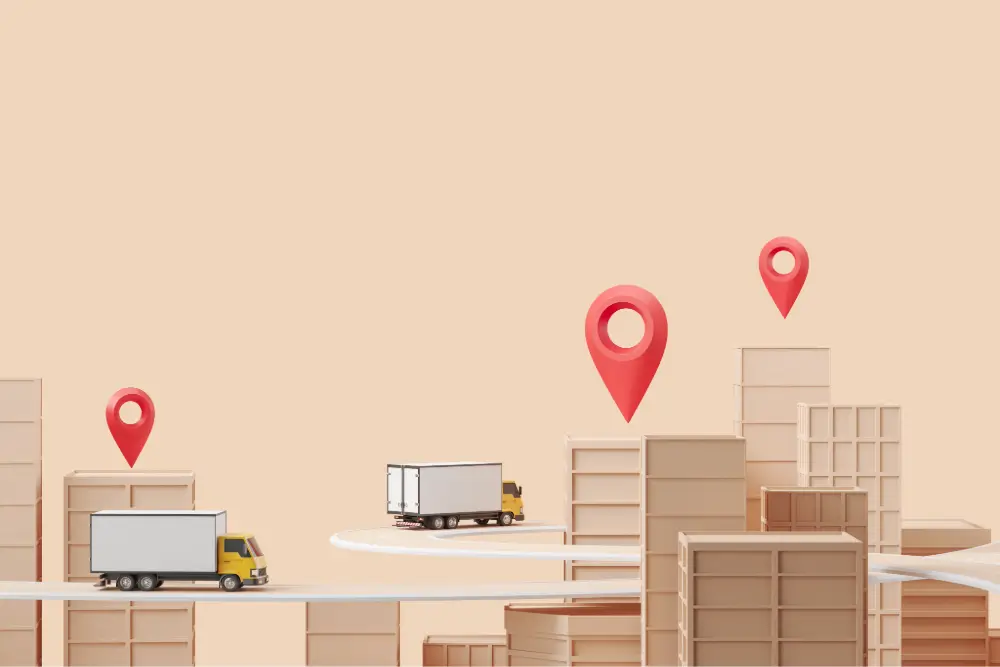
Under the hood, most platforms follow the same lifecycle:
- Order intake and assignment. Orders arrive (often synced automatically from your store or order system) and are assigned to the right driver based on location, availability, and capacity, removing manual allocation and the errors that come with it.
- Route planning and optimization. The software calculates the most efficient sequence for each route, factoring in real-time traffic, road conditions, and delivery windows so drivers cover fewer miles and arrive on time.
- Dispatch and real-time tracking. Routes are released to drivers on their phones, and dispatchers watch progress live, rerouting or rebalancing stops as the day unfolds.
- Delivery, proof, and analysis. Drivers capture proof of delivery and update statuses; customers get notified; and the resulting data feeds back into reporting to sharpen the next day’s plan.
How to Choose the Right Dispatch Management Software

The best dispatch software is the one whose features map to your actual workflow. Weigh these factors before committing:
- Do the features match your needs? Long feature lists are easy to market and hard to use. Confirm the capabilities you rely on every day are present and genuinely usable, not buried.
- Will it integrate with your stack? A platform that connects to your e-commerce store, order management, and CRM avoids duplicate data entry and rip-and-replace costs. Poor integration is one of the most common reasons rollouts stall.
- Is it comprehensive? Ideally one platform covers route planning, tracking, dispatch, and reporting rather than forcing you to stitch tools together. For a sense of how options compare, a roundup of route planning and delivery platforms is a useful starting point.
- Is it easy to adopt? Dispatchers and drivers should find it intuitive. Adoption is where ROI is won or lost.
- Does the pricing fit? Match the cost model to your delivery volume and growth plans so the tool scales with you rather than against you.
If you are still running routes on spreadsheets, it is worth understanding the true cost of manual planning versus dedicated software before you decide where the tipping point is for your business.
Common Challenges (and How to Avoid Them)

Dispatch software delivers, but a clear-eyed rollout beats a rushed one. A few challenges come up most often. First, implementation cost and training: standing up a new system takes upfront investment and staff ramp-up, though these are largely one-time costs that pay back through ongoing efficiency. Second, integration: the platform has to slot cleanly into your existing order management and CRM, because a tool starved of data cannot deliver its full benefit. Third, driver adoption: even the best routing engine fails if drivers find the mobile app confusing or distrust its directions, so involve them early and choose software that is genuinely easy to use in the field. Underpinning all three is data quality, accurate addresses, time windows, and service times are what let optimization actually optimize.
None of these are reasons to stay on spreadsheets; they are reasons to plan. Map the integrations first, pilot with a subset of routes, and set a baseline for fuel, on-time rate, and failed deliveries before you switch, so you can prove the gains afterward and expand with confidence.
Dispatch Management with EasyRoutes
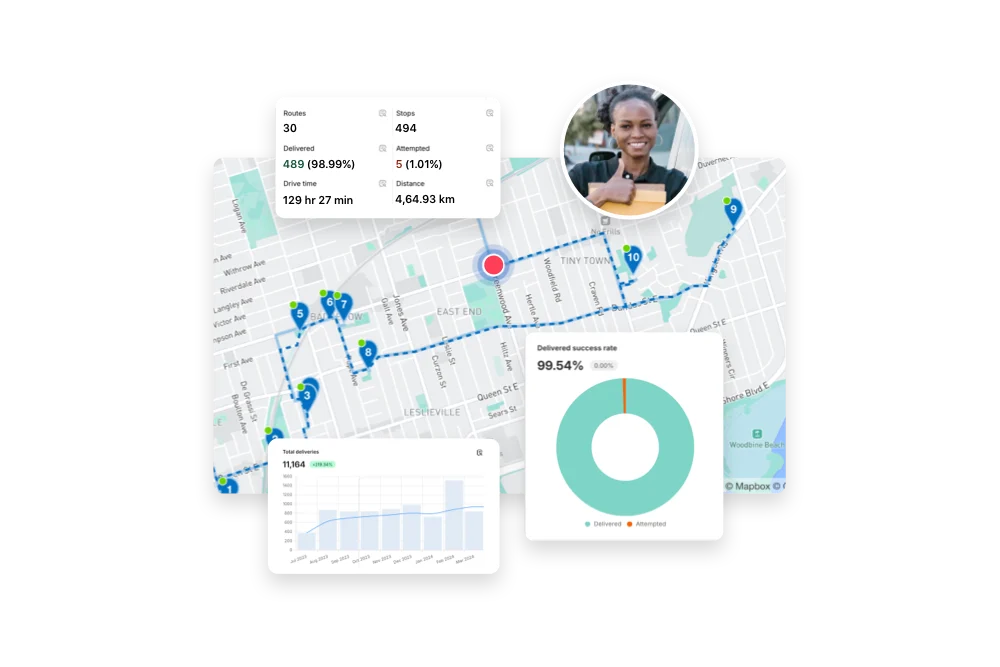
EasyRoutes brings these capabilities together for delivery-centric businesses of every size. From a single dashboard you can sync orders, auto-assign and dispatch optimized routes to drivers, monitor live GPS tracking, send branded customer notifications, and capture proof of delivery, with analytics to refine each day’s operation. Drivers get a dedicated mobile app with turn-by-turn navigation, and dispatchers can manage everything from the browser or on the go. For growing operations facing rising demand, that combination of automation, real-time visibility, and optimization is what keeps cost per delivery in check while protecting the customer experience.
Final Thoughts
Dispatch management is no longer a back-office afterthought; it is where delivery businesses win or lose on both cost and customer trust. The right software automates the busywork, squeezes waste out of every route, and gives you the visibility to keep promises you make to customers. Whether you are coordinating a handful of drivers or a large fleet, choosing a comprehensive, well-integrated platform like EasyRoutes is one of the highest-leverage moves you can make to streamline operations and grow.